Sharp at any size
Smooth Edges redraws the screen at full display resolution, softening diagonal stair-steps while keeping dithering crisp. Prefer the real thing? Pixel Perfect shows hard, square pixels.
 For Apple Vision Pro and Mac
Crankovox puts your Playdate's screen in your space on Apple Vision Pro — razor sharp, with sound. Plug the Playdate into your Mac, open the app on Vision Pro, and play with a game controller or the on-screen controls, crank included.
Requires a Playdate handheld and a Mac. Free, for both Vision Pro and Mac.
The 400 × 240 screen was made to be held close. Crankovox lets you set it on your desk, hang it on a wall, or make it the size of a movie screen.
Smooth Edges redraws the screen at full display resolution, softening diagonal stair-steps while keeping dithering crisp. Prefer the real thing? Pixel Perfect shows hard, square pixels.
Game audio streams along with the picture, so you hear every chime and crank click. Mute it from the menu whenever you like.
Pair a game controller to Vision Pro and you're set. Turn the right stick like the crank, or use the triggers to crank forward and back — faster the harder you press.
On-screen controls sit just below the window, including a crank dial that follows your real crank as it turns. Hide them with one tap when you don't need them.
Choose the warm grey of the original LCD, crisp black and white, or inverted for late-night play.
No addresses to type. The Vision Pro app discovers the Mac on your Wi-Fi network automatically, and reconnects if your Playdate hiccups.
Vision Pro can't connect to USB accessories, so a small companion app on your Mac does the plugging in for it.
Plugged into your Mac with a USB cable and unlocked.
Reads the screen and sound, and passes your button presses back.
Shows the screen in your space and sends your input home.
Everything stays on your local network. There are no accounts, no cloud service and no sign-up — just your own devices talking to each other.
Real screenshots from Apple Vision Pro and the Crankovox Mac app.
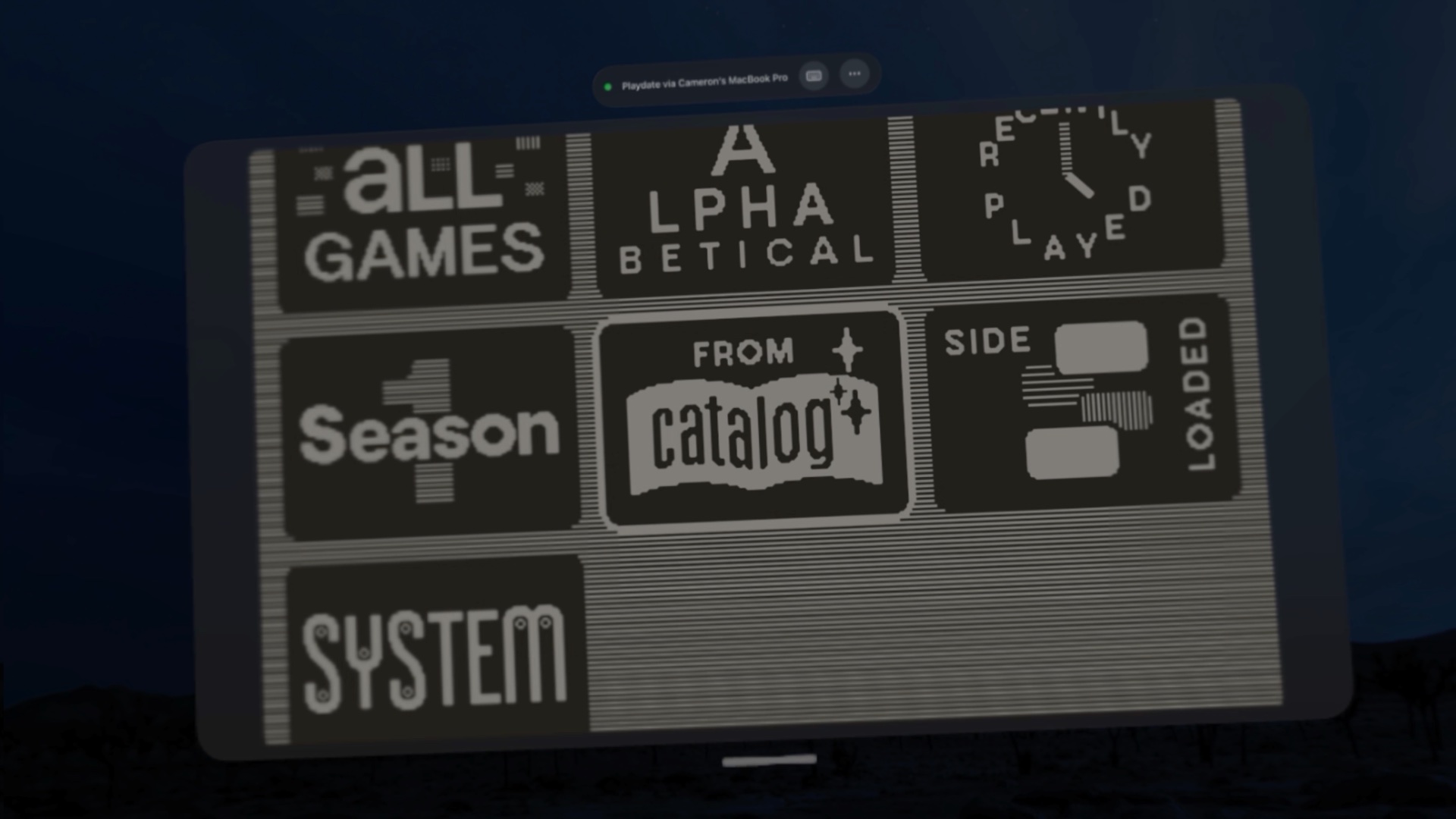
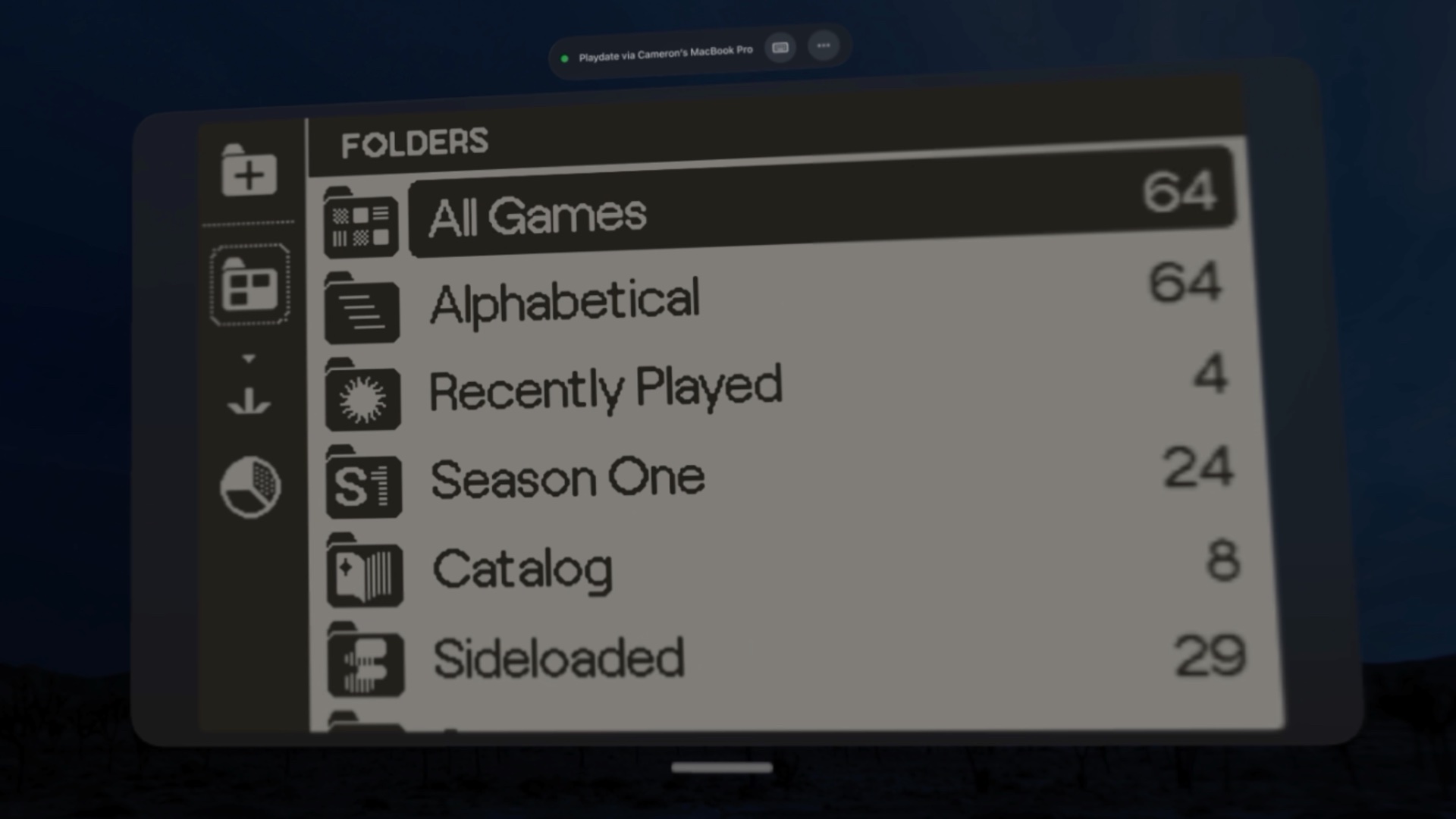
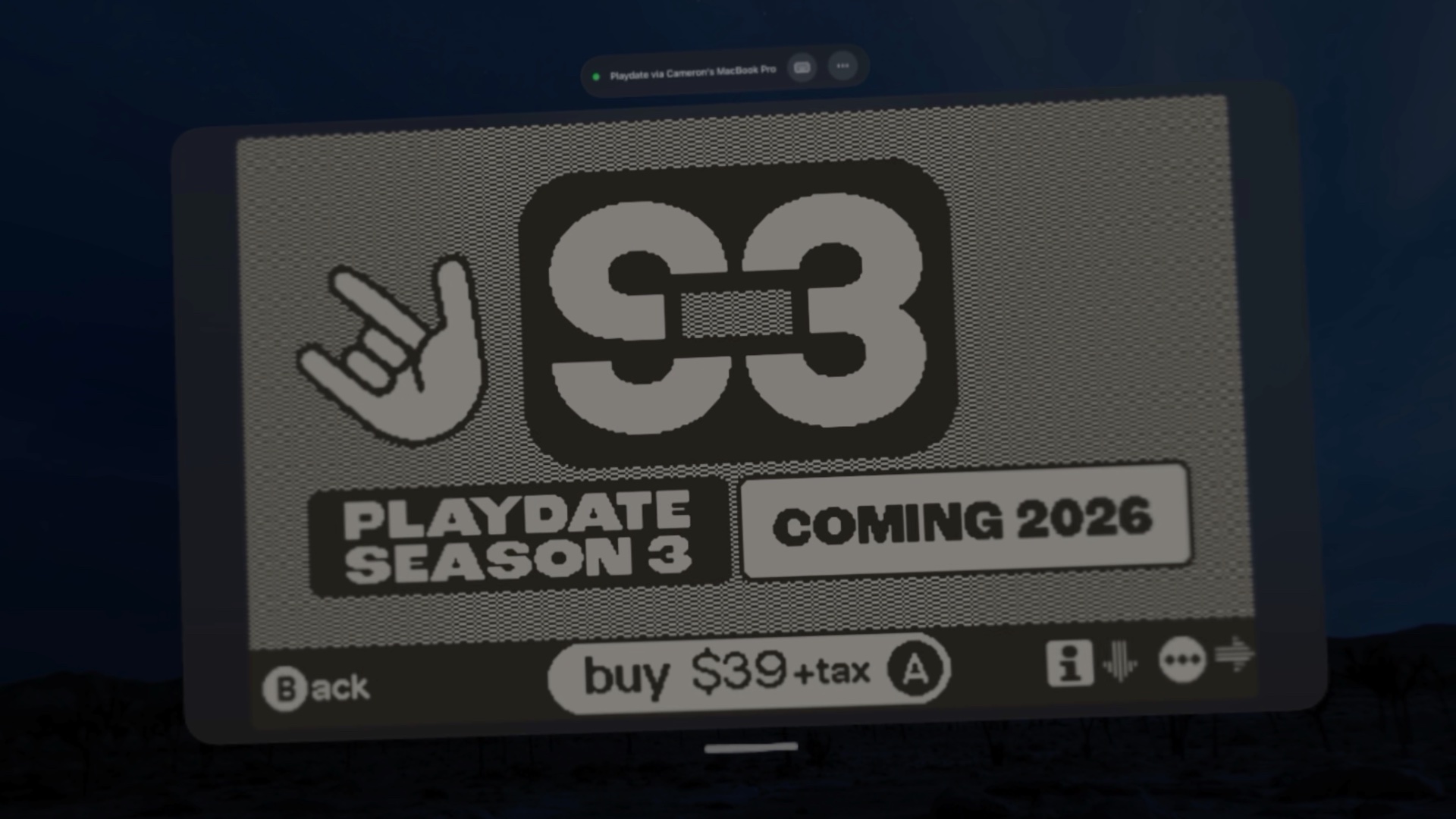
Plug your Playdate into your Mac and the Crankovox Mac app does the rest: it streams the screen and sound to Vision Pro over Wi-Fi, and keeps going with its window closed.
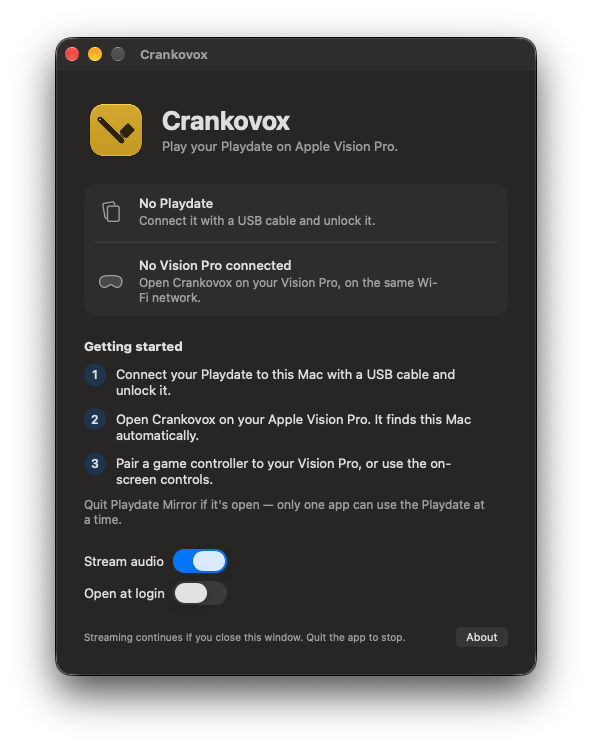
Crankovox is a viewer for a Playdate you already own. It doesn't include or run any games on its own.
No. Crankovox is free, and one App Store listing includes both the Vision Pro app and the Mac companion app.
Apple Vision Pro can't connect to USB accessories. The Mac app talks to your Playdate over USB and relays the stream to Vision Pro over your Wi-Fi network.
Crankovox mirrors whatever is on your Playdate's screen, so anything you can play on the device should show up. If a game ignores crank input from Crankovox, undock the physical crank and try again.
The stream travels over your local Wi-Fi, so responsiveness depends on your network. A strong connection works best — keep your Mac and Vision Pro close to your router, or connect the Mac with Ethernet.
Only one app can use the Playdate's USB connection at a time, so quit Playdate Mirror before opening Crankovox on your Mac.
No. Crankovox is an independent app and isn't affiliated with or endorsed by Panic Inc. It uses the same USB streaming method as Panic's Mirror app, which isn't officially documented, so a future Playdate update could affect it.
No. There are no accounts, analytics or tracking. Read the privacy policy for details.
More help is on the support page.
Crankovox is coming soon to the App Store for Apple Vision Pro and Mac.